
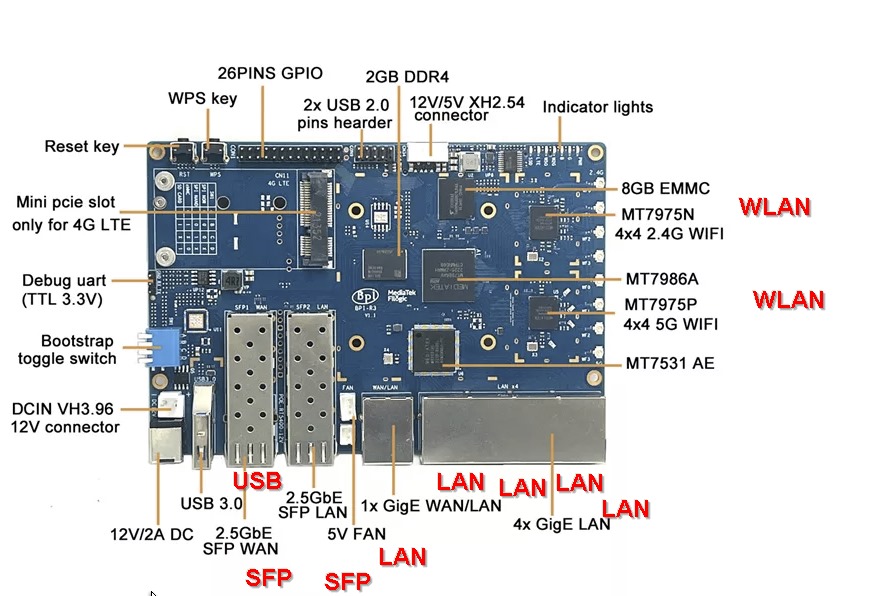
In the world of single-board computers, the Banana Pi R3 stands out as a robust choice for tech enthusiasts and professionals alike. Paired with the versatile IPFire firewall system, this setup offers an optimal solution for building secure and powerful network applications. This article explores the key features of the Banana Pi R3, the benefits of integrating it with IPFire, and provides a straightforward guide to setting it up.
Download Firmware for Banana Pi R3 with IPFire http://u.pc.cd/BNVrtalK
Price$99
Banana Pi R3 Read moreIPFire: Read more
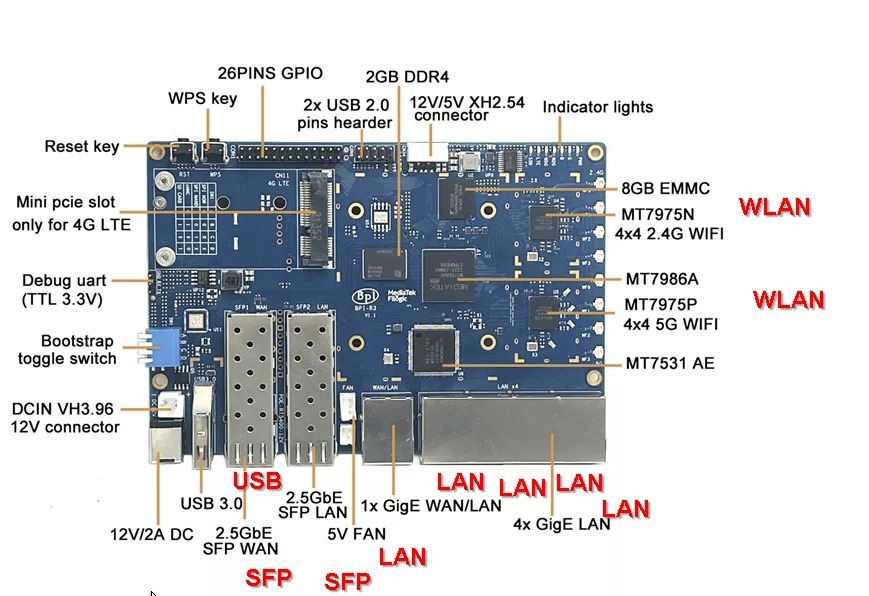
Key Features of the Banana Pi R3
The Banana Pi R3 is more than just a single-board computer; it’s a gateway to enhanced networking capabilities. Here’s what makes it special:
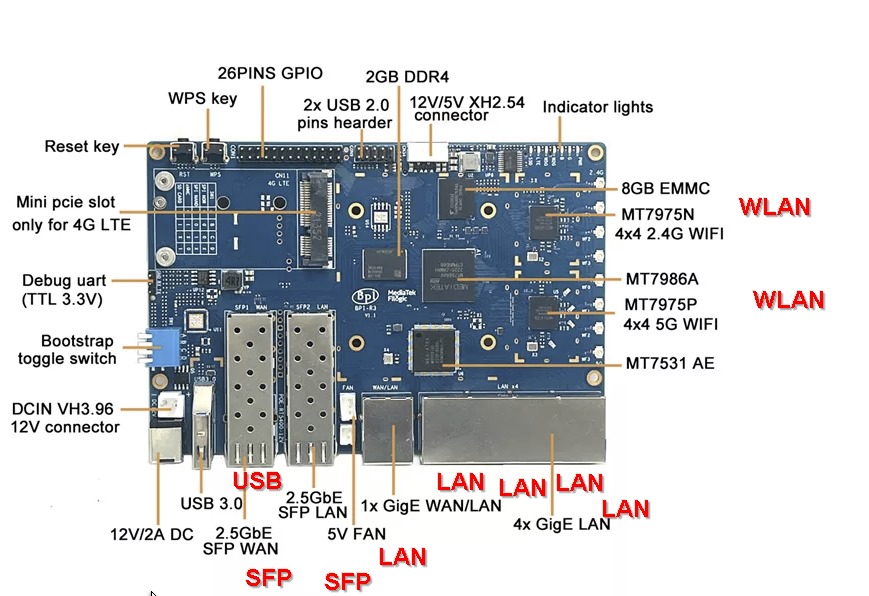
- Processor & MemoryEquipped with a MediaTek Quad-Core ARM Cortex-A53 processor and 2GB DDR3 RAM, it delivers ample power for most computing tasks.
- Connectivity: With support for Wi-Fi 6 and five Gigabit Ethernet ports, the Banana Pi R3 delivers high-speed internet access and extensive networking capabilities.
- Expansion Options: Features like the Mini-PCIe slot and USB 3.0 ports provide additional flexibility for hardware expansion.
Why IPFire?
IPFire is an open-source firewall solution known for its robust security features. Here’s why it’s the perfect match for Banana Pi R3:
- Adaptable Firewall: Offers comprehensive security features such as packet filtering, intrusion detection, and VPN support.
- Advanced Networking FeaturesSupports advanced routing, proxies, and performance optimization features to enhance network management.
- CustomizabilityEnables extensive customization with add-ons to adapt the firewall to specific needs.
Setup of Banana Pi R3 with IPFire
To get started with Banana Pi R3 and IPFire, follow these steps:
- Download the IPFire image: A customized IPFire image for the Banana Pi R3 is available for download, specifically developed for this hardware.
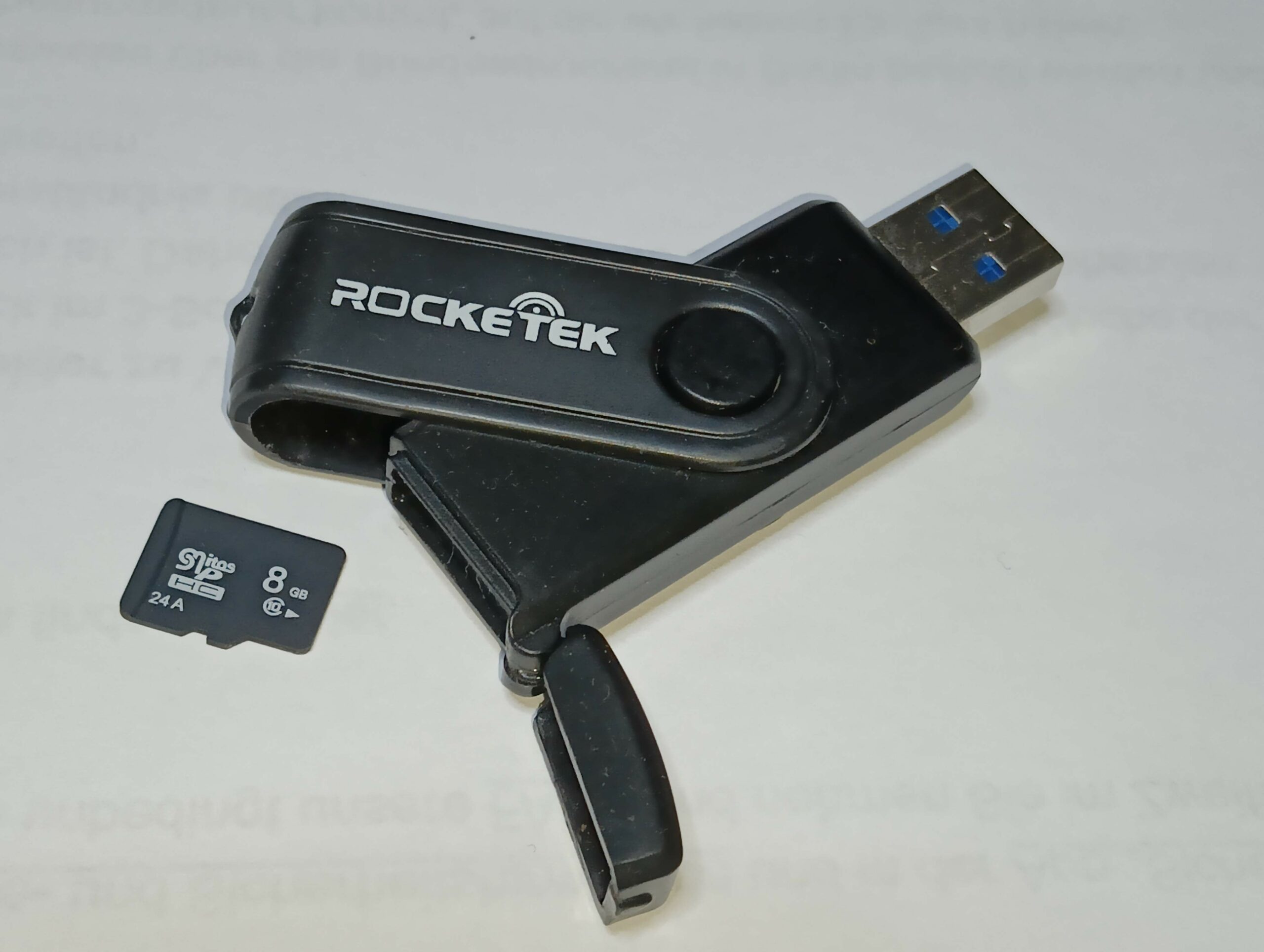
- Writing the image fileUse tools like Balena Etcher to flash the downloaded image onto an SD card or directly onto the internal storage of the Banana Pi R3.
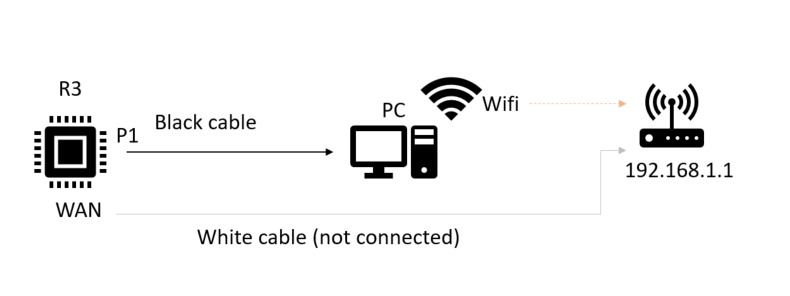
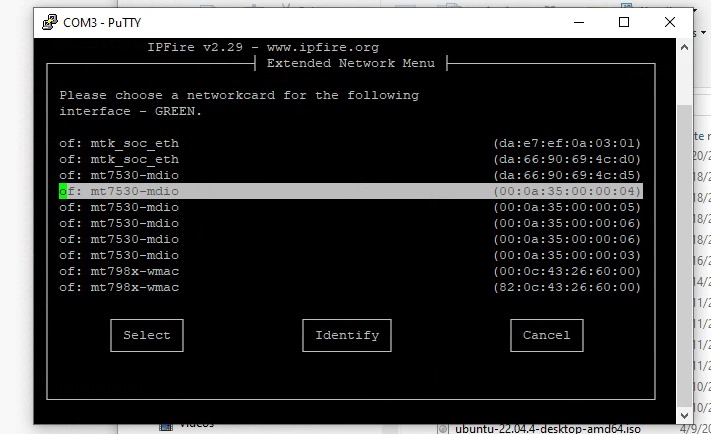
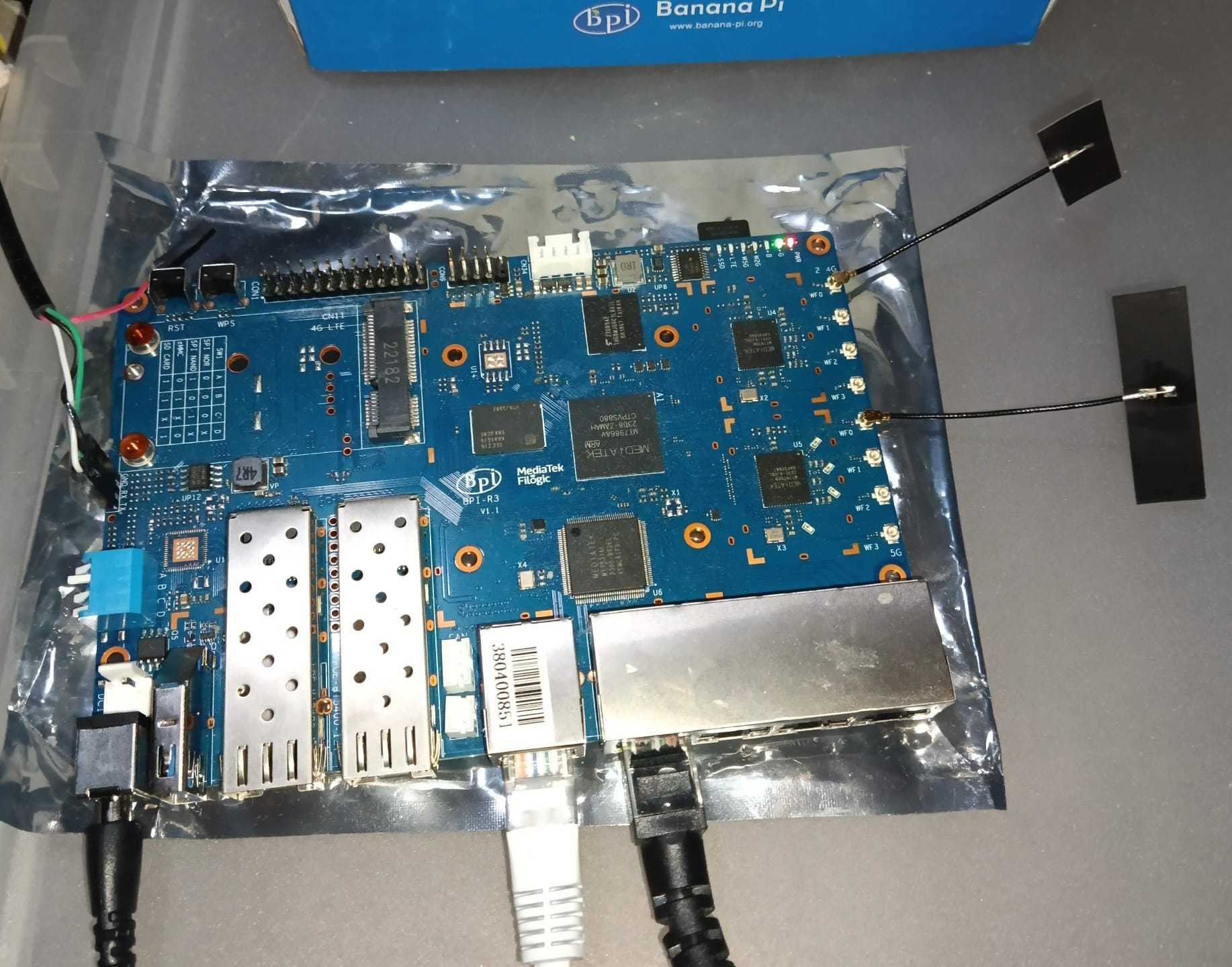
- InstallationInsert the SD card into the Banana Pi R3 and turn it on. Follow the on-screen instructions to complete the setup.
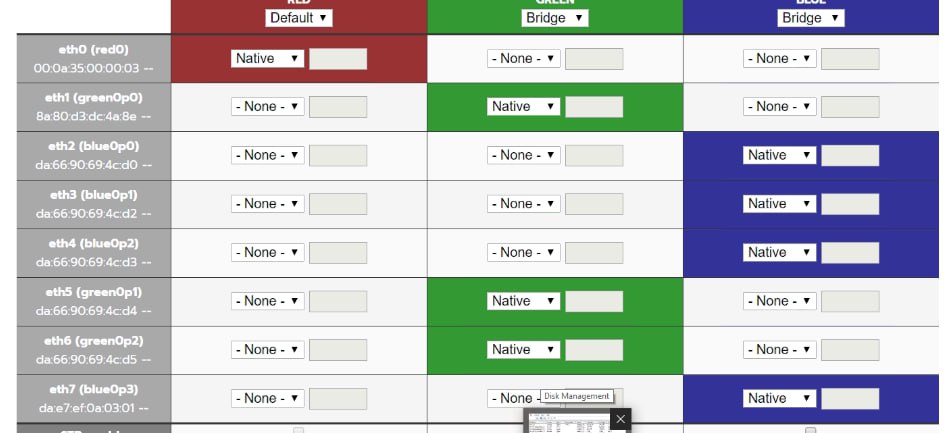
- ConfigurationConfigure the network settings according to your environment to get the most out of your Banana Pi R3 and IPFire setup.
5.
Applications
Ideal for home networks, educational institutions, and small offices, the Banana Pi R3 with IPFire makes an excellent router, network firewall, or a customized device tailored to specific needs.


Conclusion
The Banana Pi R3 in combination with IPFire provides a powerful tool for anyone looking to improve their network infrastructure. Whether you are a hobbyist or a professional, this setup offers the flexibility and security required for demanding network tasks.
Download the image today and transform your network management experience!